Event Mode
Check-in, networkingand the pack. One app.
Sold per event. Attendees tap to check in, meet the people in the room and find everything in one pack.
Your event on Zeeën
Sample numbers- Checked in
- Connections made
- Day two check-ins
- Check-ins after a push
Most events juggle a check-in tool, an event app and a networking app, and ask attendees to deal with all three.
Event Mode puts check-in, room-only networking, the event pack and a live dashboard into one product, and the connections attendees make live on in Zeeën.
How it runs.
- 1
Book Event Mode
Per event, for a single day or a multi-day programme.
- 2
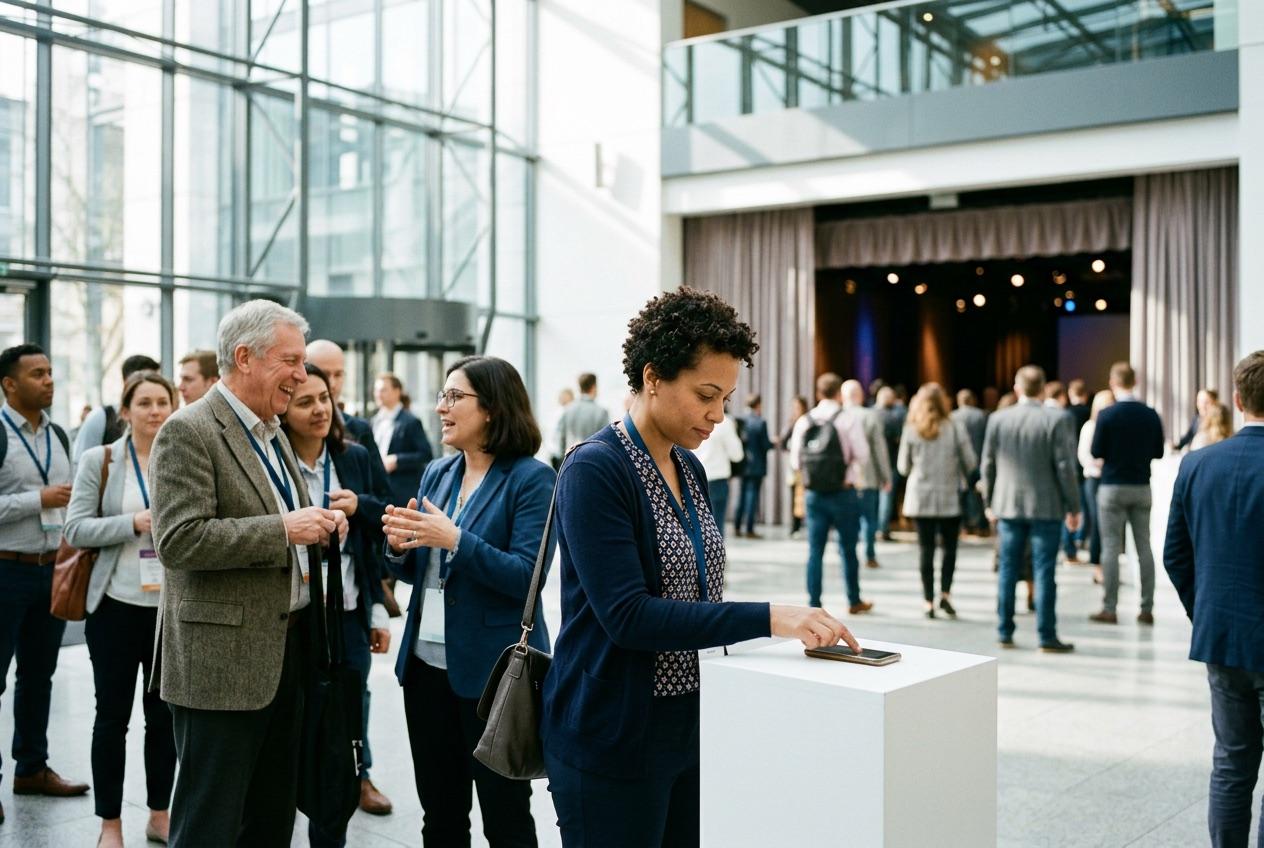
Attendees tap in
A tap on the event tag checks them in, and the event pack opens.
- 3
They meet the room
Networking only with the people who checked in to your event.
- 4
You see it live
Check-ins and connections on a live dashboard, then a report for the next booking.
What you get.
The event pack
Agenda, wifi, venue map, files, links and videos in one place. You choose when each piece is released.
Now · Day 2 of 3
City Makers Summit
Your event pack
Panel: community at street level
Hall B, Level 2 · 11:00
Up next
- 12:30Lunch and the makers marketFoyer
- 14:00Workshop: type in the wildStudio 3
- 16:30Closing drinksRooftop
CityMakers
makers2026
Level 2
Hall B is lit up
 Member offerFree long black with any pastryBarista cart, Foyer
 You
YouRoom-only networking
Attendees network with the people who checked in to the same event, and nobody else.
Connections that last
The waves and chats attendees start stay in Zeeën after your event ends.
Push to the people going
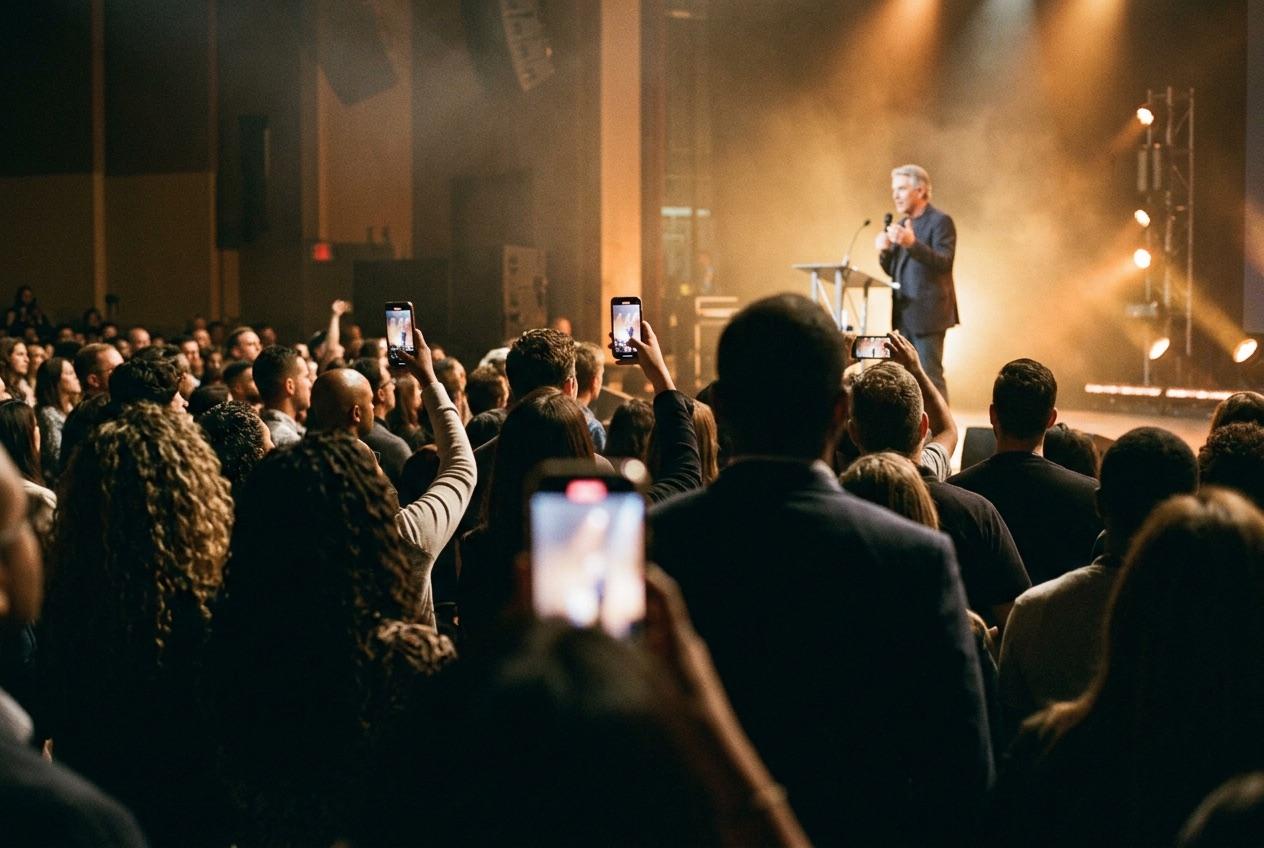
Book a push to attendees at the moment you choose: doors open, keynote starting, last session.
What your dashboard shows.
- Check-ins
- Who arrived and when, as it happens.
- Attendance by day
- For multi-day events, every day counted on its own.
- Connections made
- Mutual waves between attendees during your event.
- Pushes and what followed
- Every push you booked, and the check-ins after it.
Sold per event.
Event Mode is priced per event, including multi-day events. Tell us about yours and we'll show you how it runs.
A single event
One day, one venue, from check-in to close.
A multi-day event
Conferences, festivals and weeks of programming, with each day counted.
Add pushes and advertising
Reach members beyond your attendee list, measured in visits.
Questions owners ask.
How do attendees check in?
They tap the Zeeën tag at your entrance. Each tap is a verified check-in, and their event pack opens straight away.
Can I control what attendees see, and when?
Yes. You decide when each part of the event pack is released, from the agenda to the session files.
Can people outside the event message attendees?
Networking in Event Mode is limited to people who checked in to your event.
What happens after the event?
You get your dashboard and a report. Attendees keep the connections they made in Zeeën.
Run your next event on Zeeën.
Tell us about it and we'll show you Event Mode.
Zeeën for other businesses